
📑 Table of Contents
- Why Keyboard Navigation Matters More Than You Think
- Essential Elements of Keyboard-Accessible Banking
- Real-World Impact on Member Experience
- Implementation Best Practices for Credit Unions
- Beyond Compliance: The Business Case
- Understanding Keyboard Navigation in Credit Union Digital Banking
- Related Posts
Why Keyboard Navigation Matters More Than You Think
In the rush to create visually stunning digital banking interfaces, many credit unions overlook a critical accessibility feature: keyboard navigation. Yet for millions of members—including those with motor disabilities, temporary injuries, or simply those who prefer keyboard shortcuts—this functionality isn’t just a convenience; it’s a necessity. Understanding the importance of Keyboard Navigation in Credit Union Digital Banking is essential for enhancing user experience.
The focus on Keyboard Navigation in Credit Union Digital Banking ensures that all members can navigate their financial needs effectively. Embracing Keyboard Navigation in Credit Union Digital Banking opens the door to a more inclusive banking environment. Utilizing Keyboard Navigation in Credit Union Digital Banking allows users to access their accounts seamlessly.
Moreover, a study from the World Health Organization estimates that more than a billion people live with some form of disability, making it imperative for digital banking interfaces to accommodate these users. A well-designed keyboard navigation system can significantly enhance the online banking experience, ensuring that everyone, regardless of their physical capabilities, can manage their finances with ease. In conclusion, incorporating Keyboard Navigation in Credit Union Digital Banking is vital for modern banking.
This emphasis on accessibility not only helps users with disabilities but also improves usability for all. Keyboard navigation streamlines interactions, simplifying complex processes like fund transfers, bill payments, and account management. For instance, users can quickly move between fields in payment forms, review transaction history, or access help resources without needing to reach for a mouse, saving time and reducing frustration.
Furthermore, as remote banking becomes more prevalent, maintaining an efficient and accessible interface is crucial. With increasing numbers of users engaging in online banking from various devices, credit unions must ensure that their platforms are designed to accommodate diverse user preferences and requirements.
Keyboard navigation is a fundamental aspect of this design, as it enables users to operate the interface entirely via the keyboard, thus providing an alternative that many find more efficient and comfortable.
This emphasis on accessibility not only helps users with disabilities but also improves usability for all. Keyboard navigation streamlines interactions, simplifying complex processes like fund transfers, bill payments, and account management. For instance, users can quickly move between fields in payment forms, review transaction history, or access help resources without needing to reach for a mouse, saving time and reducing frustration.
According to recent accessibility studies, over 19% of online banking users rely heavily on keyboard navigation. This isn’t just about compliance—it’s about providing equal access to financial services for all credit union members, especially through effective Keyboard Navigation in Credit Union Digital Banking.
Prioritizing Keyboard Navigation in Credit Union Digital Banking can significantly improve the overall banking experience, making Keyboard Navigation in Credit Union Digital Banking essential for modern digital banking solutions.
Additionally, the continued emphasis on Keyboard Navigation in Credit Union Digital Banking can lead to more user-friendly platforms that cater to all demographics. The inclusion of Keyboard Navigation in Credit Union Digital Banking not only meets regulatory standards but enhances the overall experience for all users.
Essential Elements of Keyboard-Accessible Banking
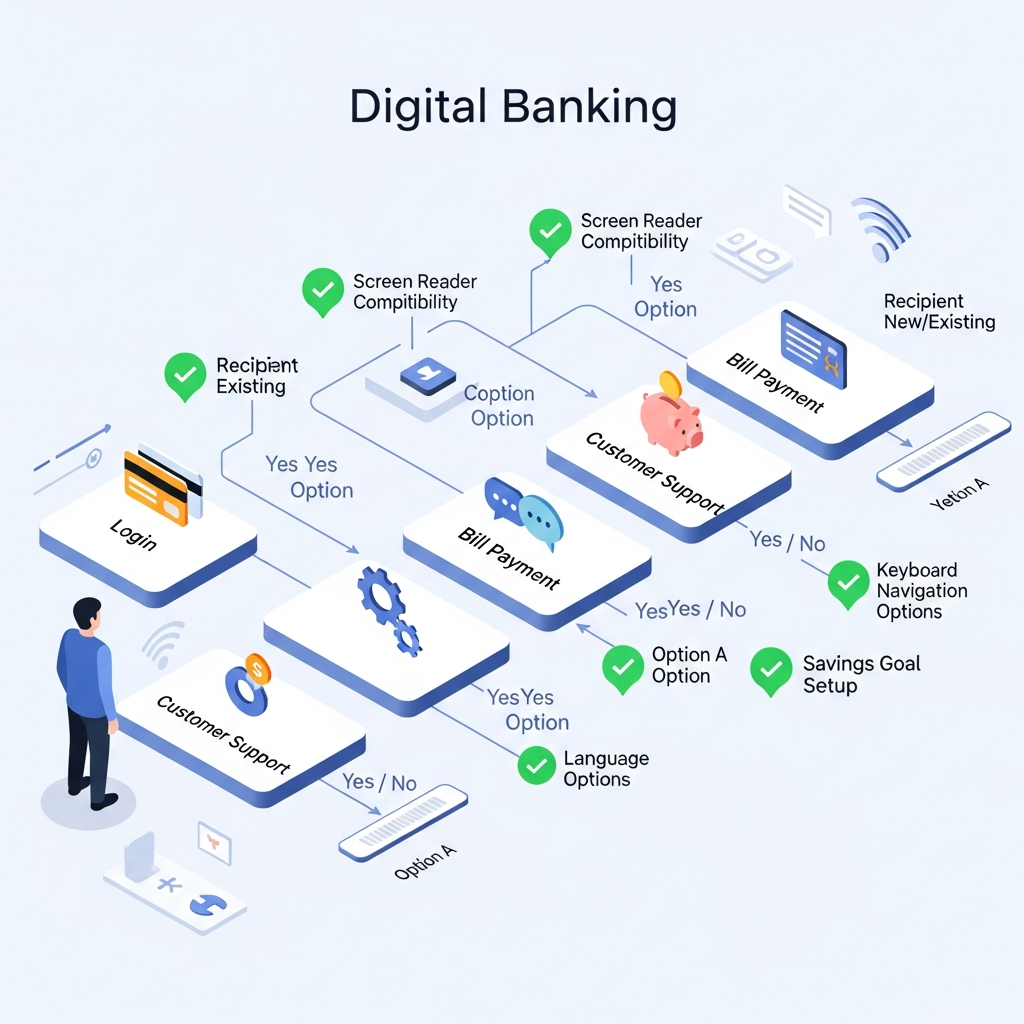
A well-implemented keyboard navigation system in digital banking should include the following essential elements to ensure accessibility and usability:
- Clear focus indicators that show which element is currently selected, ensuring that users can easily see where they are on the page.
- Logical tab order that follows the visual layout of the page, making it intuitive for users to navigate through various sections.
- Skip links to bypass repetitive navigation, allowing users to jump directly to the main content or specific sections of interest without unnecessary clicks.
- Keyboard shortcuts for common banking tasks, such as initiating transfers or accessing account settings, which can greatly enhance efficiency.
- No keyboard traps that prevent users from accessing all features, ensuring that all functionalities are reachable without requiring a mouse.
A well-implemented keyboard navigation system in digital banking should include:
- Clear focus indicators that show which element is currently selected
- Logical tab order that follows the visual layout of the page
- Skip links to bypass repetitive navigation
- Keyboard shortcuts for common banking tasks
- No keyboard traps that prevent users from accessing all features
Real-World Impact on Member Experience
When credit unions prioritize keyboard accessibility, they’re not just checking a box—they’re transforming lives. Consider a member with arthritis who struggles with mouse movement, or a tech-savvy user who prefers keyboard shortcuts for efficiency. These members can now:
- Complete transactions up to 30% faster, as keyboard navigation allows for seamless movement between tasks.
- Access all account features independently, which reinforces their confidence in managing their finances.
- Navigate complex financial workflows with confidence, reducing anxiety associated with cumbersome processes.
- Maintain their banking privacy without assistance, which is particularly important for sensitive financial discussions.
Additionally, let’s consider a scenario where a senior member, who may not be as familiar with technology, uses keyboard navigation. The simplicity of just pressing the ‘Tab’ or ‘Enter’ keys can make the experience less intimidating, allowing them to manage their accounts without the fear of making a mistake caused by erratic mouse movements.
Incorporating these elements not only aids in compliance with accessibility standards but also fosters a positive user experience. For instance, when a member with vision impairment navigates a banking site, having a clear focus indicator can drastically reduce their frustration and time spent searching for information. Likewise, logical tab order and skip links are particularly beneficial during peak banking hours when users are trying to complete transactions quickly.
When credit unions prioritize keyboard accessibility, they’re not just checking a box—they’re transforming lives. Consider a member with arthritis who struggles with mouse movement, or a tech-savvy user who prefers keyboard shortcuts for efficiency. These members can now:
- Complete transactions up to 30% faster
- Access all account features independently
- Navigate complex financial workflows with confidence
- Maintain their banking privacy without assistance
Implementation Best Practices for Credit Unions
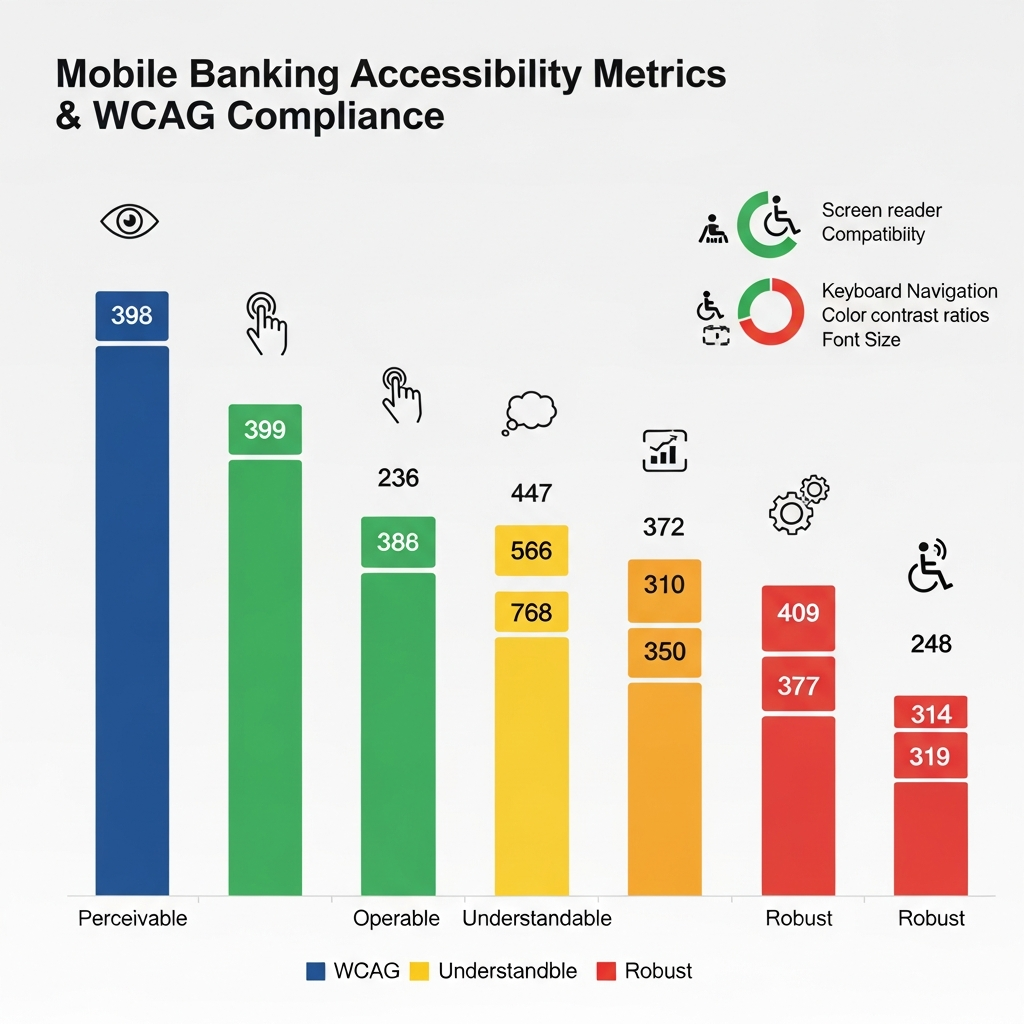
To create truly keyboard-accessible digital banking experiences, credit unions should adhere to the following best practices:
By prioritizing Keyboard Navigation in Credit Union Digital Banking, credit unions can ensure that they meet the needs of all members, making their services more accessible and efficient.
- Conduct regular keyboard-only testing with actual users, which helps identify pain points and areas for improvement.
- Ensure all interactive elements are reachable via keyboard to prevent users from encountering dead ends.
- Maintain consistent navigation patterns across all pages, creating a sense of familiarity for members as they explore the site.
- Provide visible focus states that meet WCAG contrast requirements, ensuring that focus indicators are easily distinguishable.
- Document keyboard shortcuts in help documentation, making it easy for users to learn and utilize these features effectively.
Moreover, with the rise of mobile banking, keyboard navigation remains relevant across devices. As more users access their accounts via smartphones and tablets, understanding how keyboard shortcuts can translate into mobile devices—like using voice commands or mobile keyboards—can further enhance the user experience. This integration of keyboard navigation across all platforms ensures that no member is left behind when it comes to accessing their financial resources.
To create truly keyboard-accessible digital banking experiences, credit unions should:
Incorporating these elements not only aids in compliance with accessibility standards but also fosters a positive user experience. For instance, when a member with vision impairment navigates a banking site, having a clear focus indicator can drastically reduce their frustration and time spent searching for information.
- Conduct regular keyboard-only testing with actual users
- Ensure all interactive elements are reachable via keyboard
- Maintain consistent navigation patterns across all pages
- Provide visible focus states that meet WCAG contrast requirements
- Document keyboard shortcuts in help documentation
Beyond Compliance: The Business Case
While ADA compliance is crucial, the benefits of keyboard accessibility extend far beyond legal requirements. Credit unions that excel in this area often see:
- Increased digital banking adoption rates, as more members are motivated to use services that are easy to navigate.
- Higher member satisfaction scores, which can lead to increased loyalty and retention.
- Reduced support calls for navigation assistance, freeing up resources for more complex member inquiries.
- Improved reputation in the disability community, resulting in positive word-of-mouth and potential new members.
Understanding Keyboard Navigation in Credit Union Digital Banking
As credit unions continue to digitize their services, keyboard navigation shouldn’t be an afterthought—it should be a fundamental design principle from day one. This ensures a seamless, inclusive experience for all users, driving engagement and fostering a sense of community.
While ADA compliance is crucial, the benefits of keyboard accessibility extend far beyond legal requirements. Credit unions that excel in this area often see:
- Increased digital banking adoption rates
- Higher member satisfaction scores
- Reduced support calls for navigation assistance
- Improved reputation in the disability community
Additionally, it’s beneficial to gather feedback on navigation experiences from users of varying abilities. This feedback can provide invaluable insights into what works and what doesn’t, shaping future updates and ensuring continuous improvement in the user experience. Furthermore, training staff on the importance of keyboard navigation can help them assist members more effectively when they encounter issues.
As credit unions continue to digitize their services, keyboard navigation shouldn’t be an afterthought—it should be a fundamental design principle from day one.
This article was brought to you by GrafWeb CUSO – Building the future of digital credit unions. Embracing Keyboard Navigation in Credit Union Digital Banking is not just a best practice; it’s a commitment to ensuring that every member feels valued and empowered to manage their financial health.
By focusing on incorporating keyboard navigation effectively, credit unions not only comply with regulations but also enhance their overall service offering. This proactive approach positions them as leaders in accessibility, setting them apart in a competitive landscape while fulfilling a moral obligation to their members to provide equitable banking experiences.
Moreover, understanding the role of Keyboard Navigation in Credit Union Digital Banking can lead to improvements in user retention and satisfaction.
Incorporating Keyboard Navigation in Credit Union Digital Banking not only aids in compliance but also fosters a positive user experience that can attract new members.
Furthermore, regular updates on Keyboard Navigation in Credit Union Digital Banking can help keep members informed and engaged.
Ultimately, prioritizing Keyboard Navigation in Credit Union Digital Banking is essential for fostering a more inclusive environment for all users.
In the changing landscape of digital banking, Keyboard Navigation in Credit Union Digital Banking plays a crucial role in ensuring all members have equal access.
Moreover, with the rise of mobile banking, keyboard navigation remains relevant across devices. As more users access their accounts via smartphones and tablets, understanding how keyboard shortcuts can translate into mobile devices—like using voice commands or mobile keyboards—can further enhance the user experience.
In summary, focusing on Keyboard Navigation in Credit Union Digital Banking enhances usability and meets the needs of diverse users.
Ultimately, prioritizing Keyboard Navigation in Credit Union Digital Banking is essential for fostering a more inclusive environment for all users.
In summary, focusing on Keyboard Navigation in Credit Union Digital Banking enhances usability and meets the needs of diverse users.