Why Keyboard Navigation Matters More Than You Think
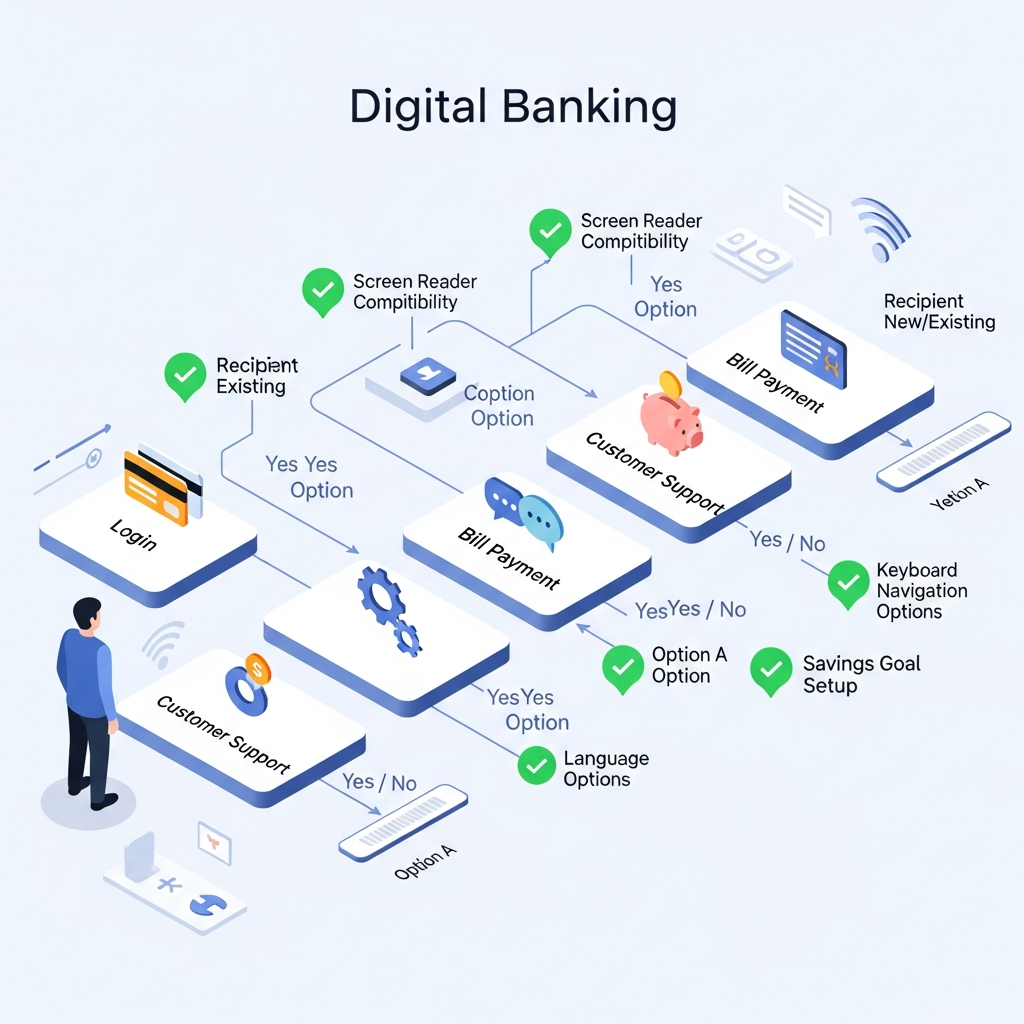
In the rush to create visually stunning digital banking interfaces, many credit unions overlook a critical accessibility feature: keyboard navigation. Yet for millions of members—including those with motor disabilities, temporary injuries, or simply those who prefer keyboard shortcuts—this functionality isn't just a convenience; it's a necessity.
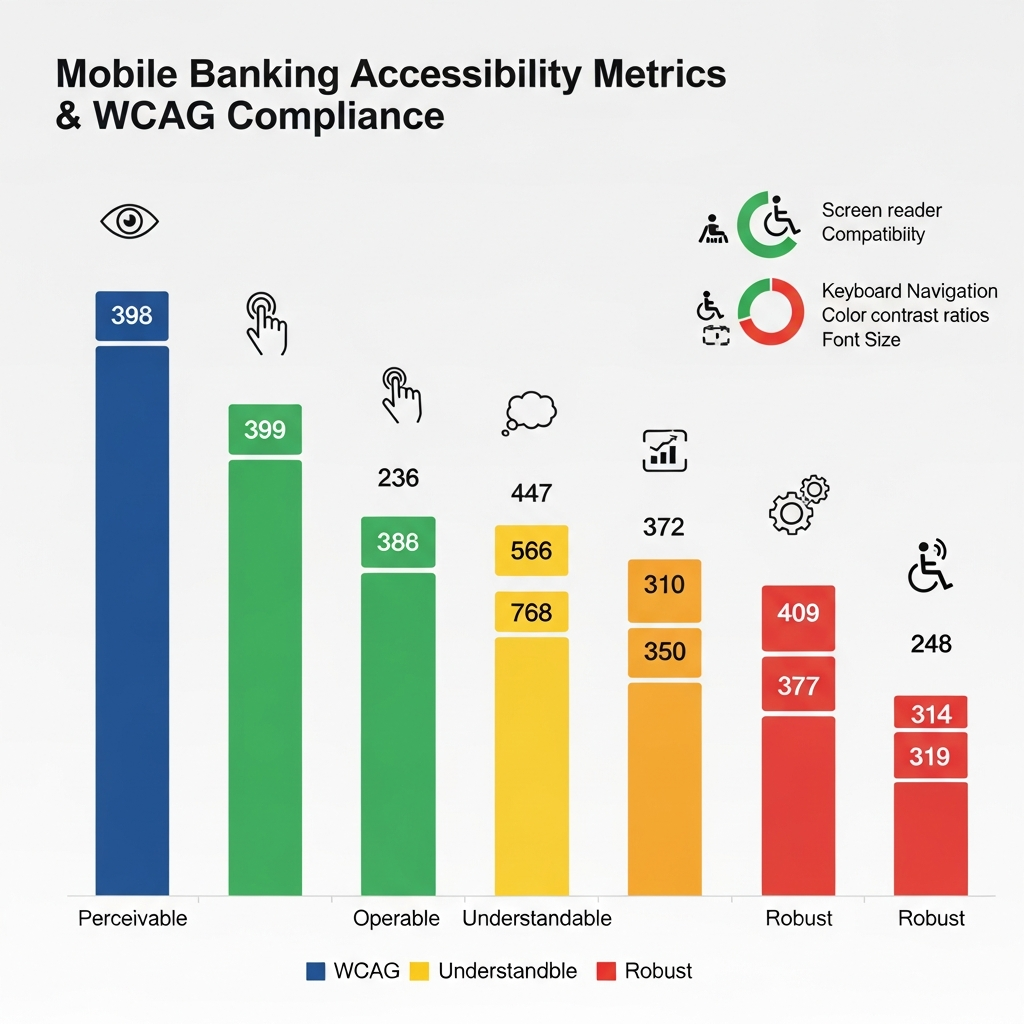
According to recent accessibility studies, over 19% of online banking users rely heavily on keyboard navigation. This isn't just about compliance—it's about providing equal access to financial services for all credit union members.
Essential Elements of Keyboard-Accessible Banking
A well-implemented keyboard navigation system in digital banking should include:
- Clear focus indicators that show which element is currently selected
- Logical tab order that follows the visual layout of the page
- Skip links to bypass repetitive navigation
- Keyboard shortcuts for common banking tasks
- No keyboard traps that prevent users from accessing all features
Real-World Impact on Member Experience
When credit unions prioritize keyboard accessibility, they're not just checking a box—they're transforming lives. Consider a member with arthritis who struggles with mouse movement, or a tech-savvy user who prefers keyboard shortcuts for efficiency. These members can now:
- Complete transactions up to 30% faster
- Access all account features independently
- Navigate complex financial workflows with confidence
- Maintain their banking privacy without assistance
Implementation Best Practices for Credit Unions
To create truly keyboard-accessible digital banking experiences, credit unions should:
- Conduct regular keyboard-only testing with actual users
- Ensure all interactive elements are reachable via keyboard
- Maintain consistent navigation patterns across all pages
- Provide visible focus states that meet WCAG contrast requirements
- Document keyboard shortcuts in help documentation
Beyond Compliance: The Business Case
While ADA compliance is crucial, the benefits of keyboard accessibility extend far beyond legal requirements. Credit unions that excel in this area often see:
- Increased digital banking adoption rates
- Higher member satisfaction scores
- Reduced support calls for navigation assistance
- Improved reputation in the disability community
As credit unions continue to digitize their services, keyboard navigation shouldn't be an afterthought—it should be a fundamental design principle from day one.
This article was brought to you by GrafWeb CUSO – Building the future of digital credit unions.